
If you have selected SAML Authentication as the default authentication, Logpoint redirects you to the IdP authorization server. You can log into Logpoint using the IdP server credentials.
To log into Logpoint using SAML Authentication:
On the login page, click Other Authentication Options.
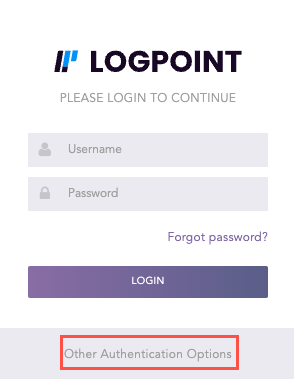
Other Authentication Options
Select SAML Authentication.
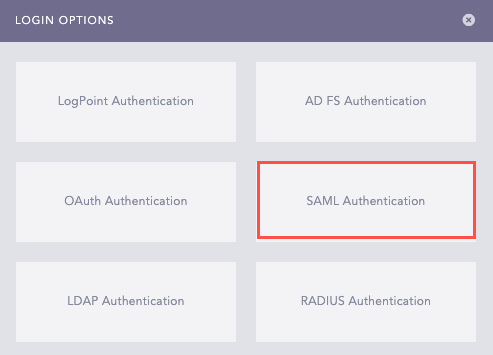
Login Options
Click LOGIN.
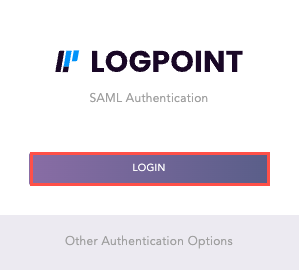
SAML Authentication
Log in using your IdP credentials.
Once you log in, Logpoint adds “saml_” as a prefix to your username. For example, if you log in as “jackson” with SAML Authentication, Logpoint updates your username to “saml_jackson”.
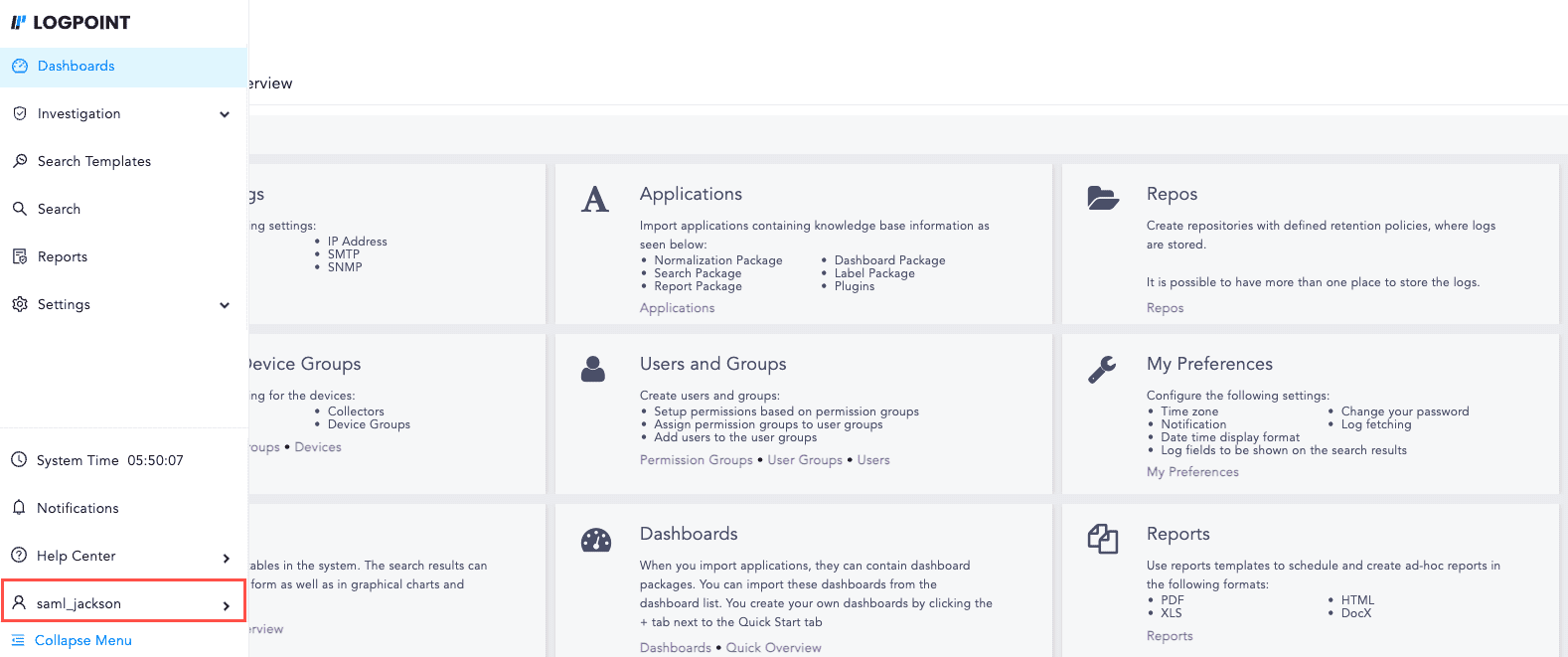
User Logged in with SAML Authentication